 English
 German
 Slovak
 Czech
 Polish
Select:
 New
BuzzWord
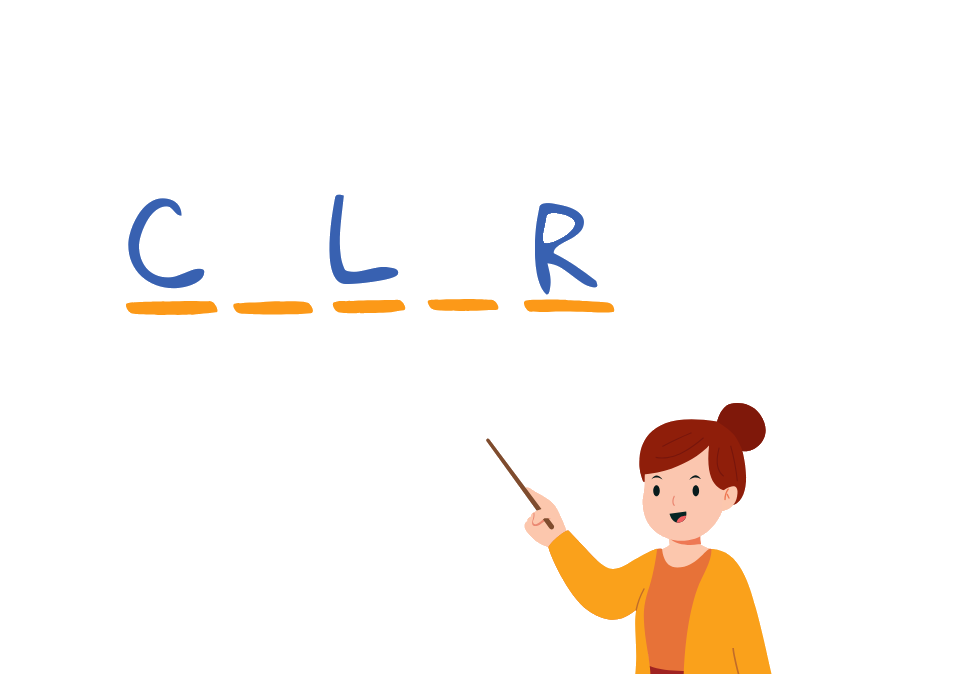
Students gradually guess letters to reveal a word or phrase. It includes various visual themes that boost student motivation.
Run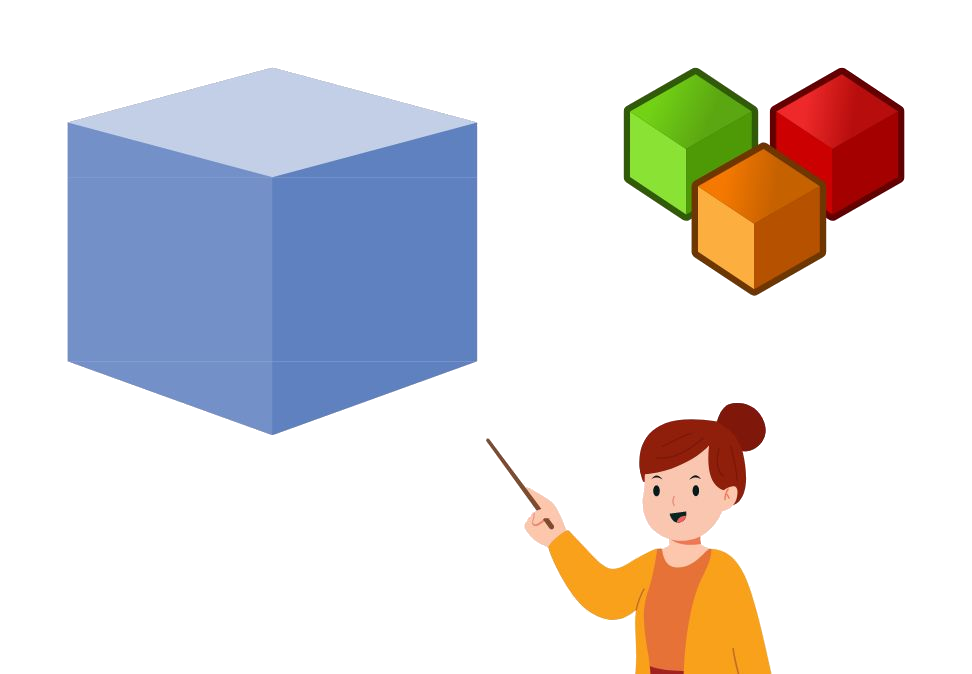
PracticeCube
Create a cube and draw words or pictures. The student's task is to complete various tasks. You can create multiple cubes in a row and practise anything!
Run


MagicWheel
Great tool that can help with random selection of students from a class/group for various fun activities.
Run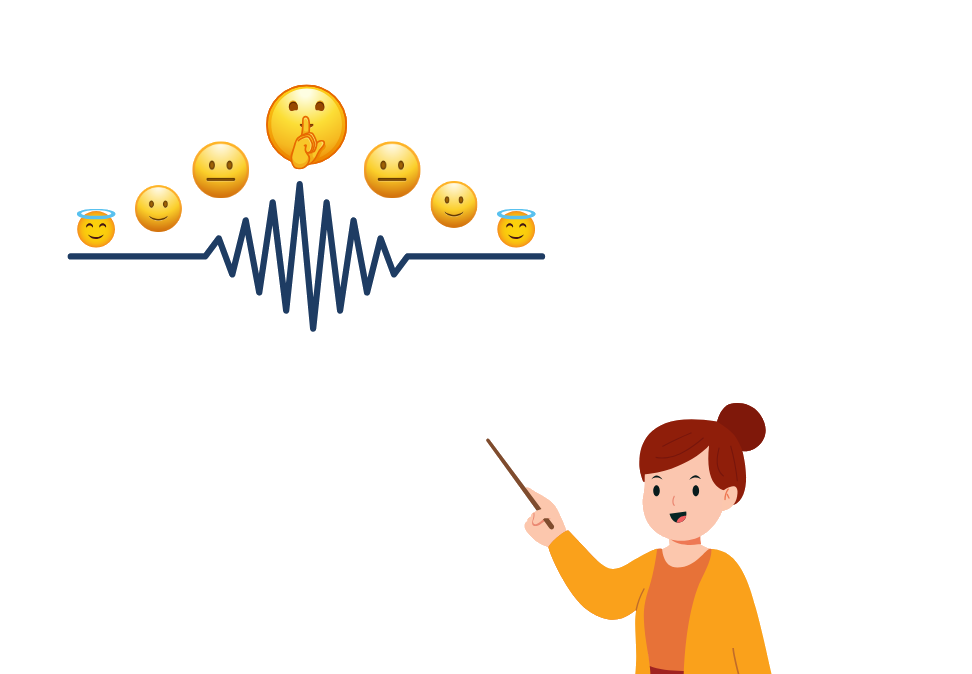 New
NoiseMeter
The tool measures noise levels in the classroom and alerts students with a short signal when they are too loud.
Run
What is ToolBee?
The objective of the project is to make teaching easier for the teachers with the help of useful and effective online tools.
How it works
Choose a tool
Each tool is ready for a specific situation in the classroom.
Set it up
Enter students, words or questions. After registering you can save them for later.
Run it
Everything runs right in the browser, with no installation.
Frequently asked questions about ToolBee
What is ToolBee?
ToolBee is a free web platform with online tools for teachers. It includes seven tools: Quizby, GroupMaker, MagicWheel, PracticeCube, BuzzWord, TickTock and NoiseMeter. Everything works directly in the browser with no installation and makes it easier to prepare and run a lesson.
Is ToolBee free?
Yes, you can use ToolBee for free. The free plan gives access to all tools, with limited saving of content and limited AI content generation. The Premium plan removes these limits and allows unlimited saving and unlimited AI content generation.
Do I need to install ToolBee?
No, ToolBee runs online directly in a web browser, so no installation or download is needed. Just open toolbee.app, choose a tool and start it.
Do I have to register to use ToolBee?
You can try the tools without registering. After free registration, teachers can save the content and settings they create, such as student lists, quizzes, cubes or word packs, and come back to them later.
How do I create an online quiz for students?
In the Quizby tool you create an interactive quiz or poll and run it. Students join from their own devices, for example by scanning a QR code, and answer online. You can also generate questions with AI and edit them before saving.
How can I quickly divide students into groups?
Use the GroupMaker tool. You enter a list of students and the tool divides them randomly into groups according to the selected criteria. You can rate students with stars so the groups are balanced, and save your lists for future lessons.
How do I pick a student at random?
MagicWheel is an online wheel of fortune for randomly selecting students from a class or group. You enter the names, spin the wheel and one student is picked. It works well for calling on students, games and various activities.
How can I measure time and noise in the classroom?
TickTock measures time during a lesson and NoiseMeter measures the noise level in the classroom. When it gets too loud, NoiseMeter alerts students with a short signal. Both tools run online in the browser.
How can I practise vocabulary with students?
In PracticeCube you create a cube with words or pictures and students complete various tasks with them. In BuzzWord students gradually guess letters to reveal a word or phrase. Both tools are also suitable for language teaching.
Which languages is ToolBee available in?
ToolBee is available in Slovak, Czech, English, German and Polish. You can change the interface language in the settings or directly on the home page.